Start a routine · Finish what you start
Website guide
Meet the cats, understand your plant, and discover points, medals and the tools in your account. This guide grows with the website.

01
Start a routine
Choose a routine by available time, difficulty or target area. The exercise library explains each movement.
Follow the movements in order and finish the session. Signed-in members who enable progress saving can keep a history of completed routines.
02
Your progress plant
The plant is a visual companion to your recorded activity. Find it beside the menu and in your dashboard. The header has room for up to four pots.
Pot collecting and combining is being redesigned; it is not an active reward rule yet. This guide will be updated when the new system is available.


03
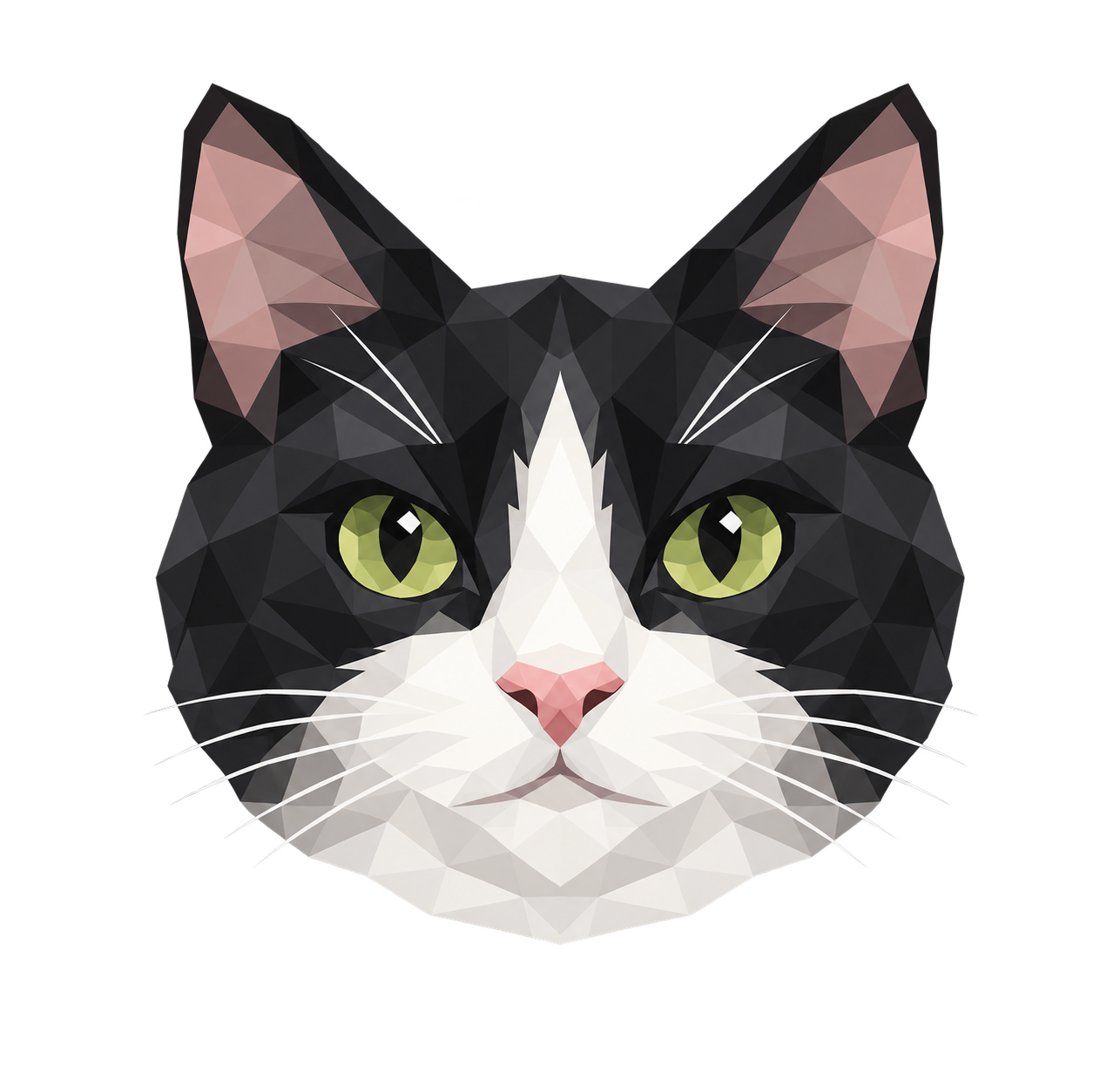
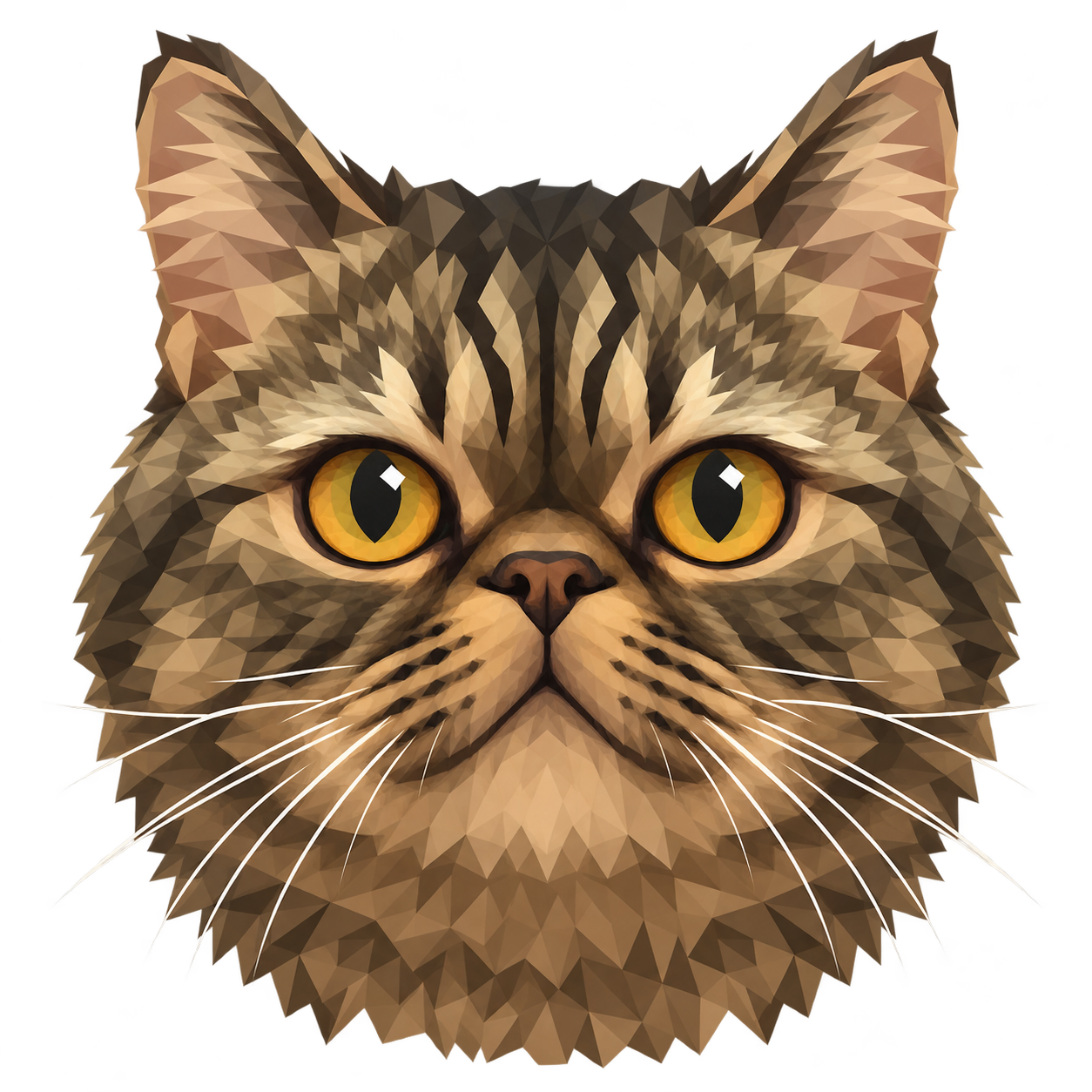
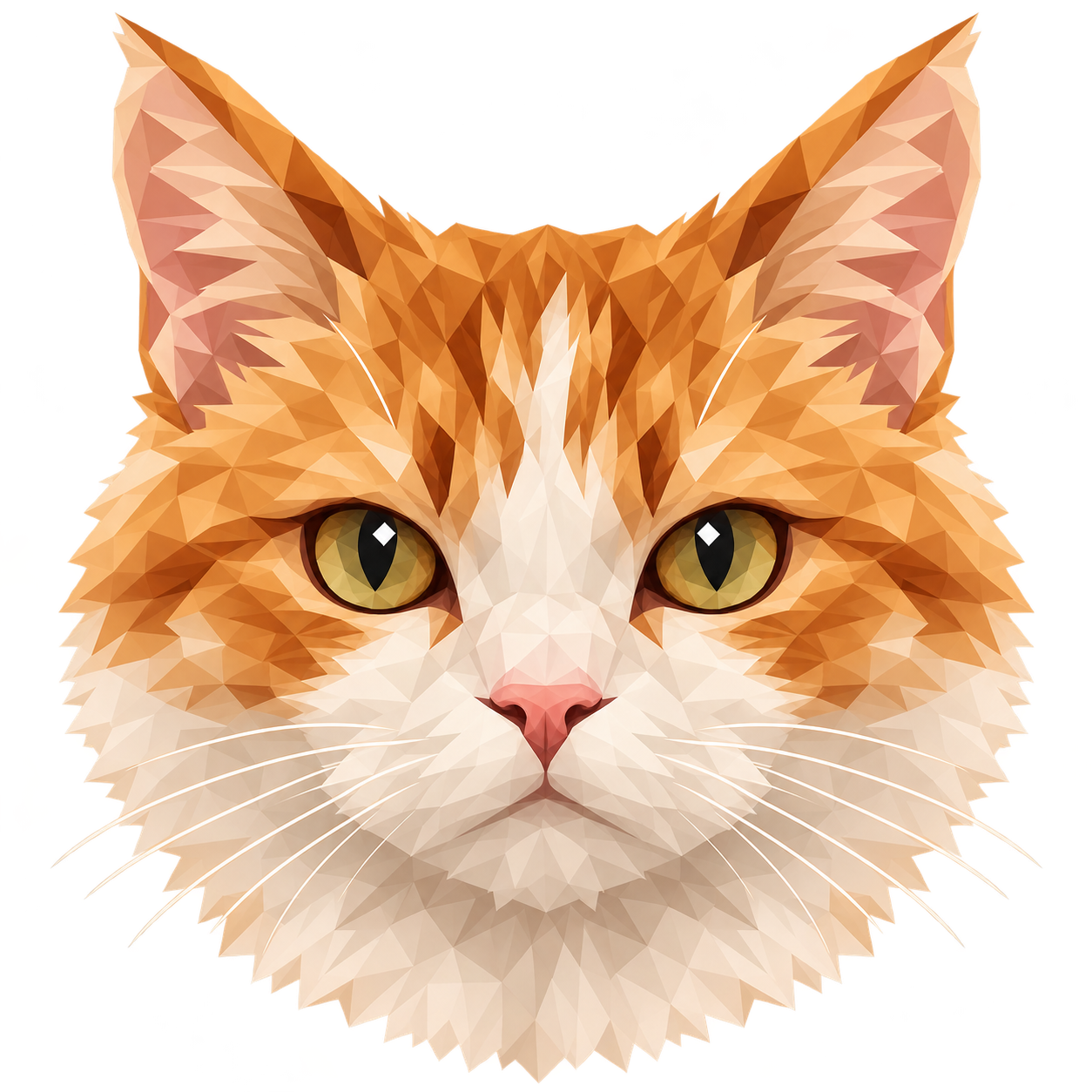
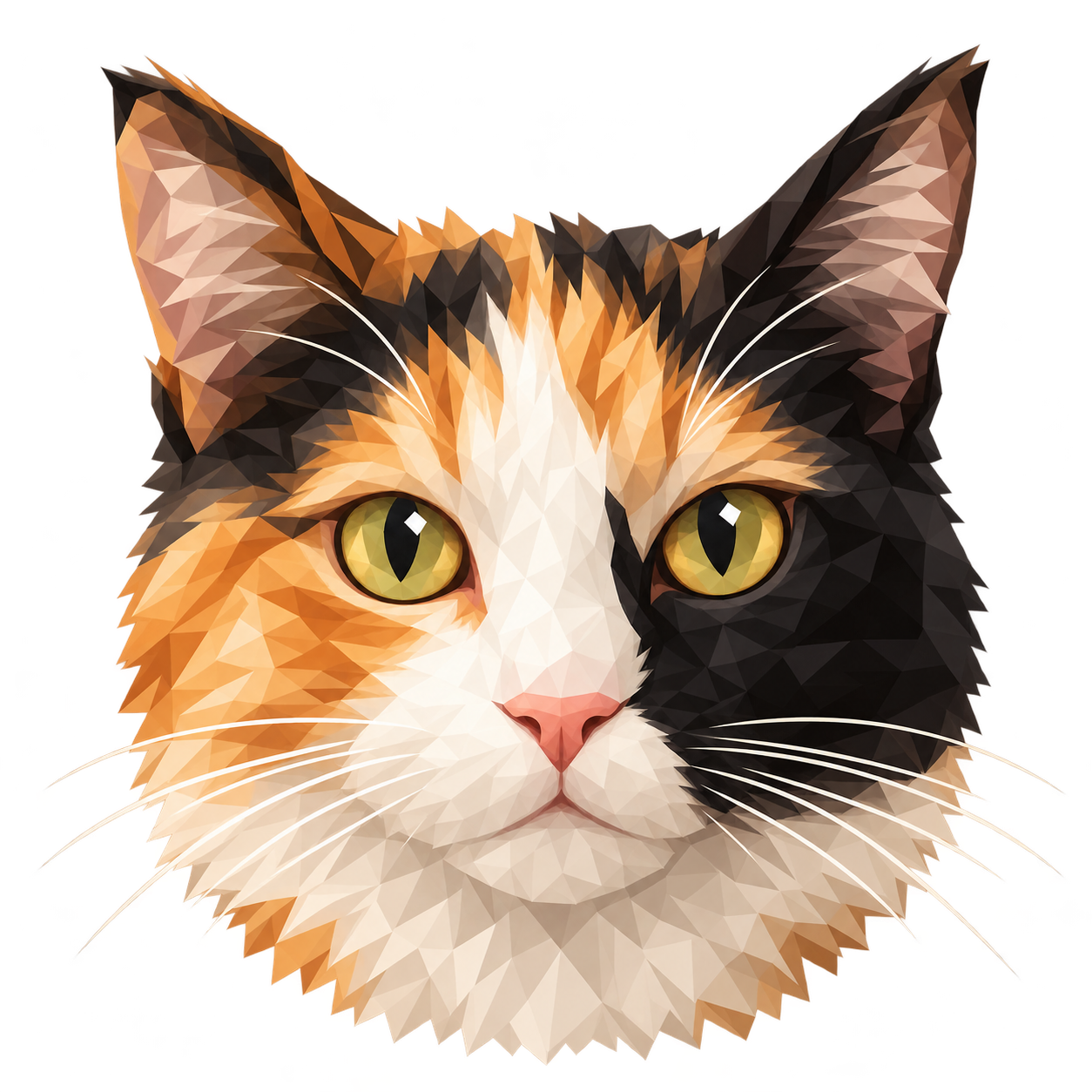
Cat profile pictures
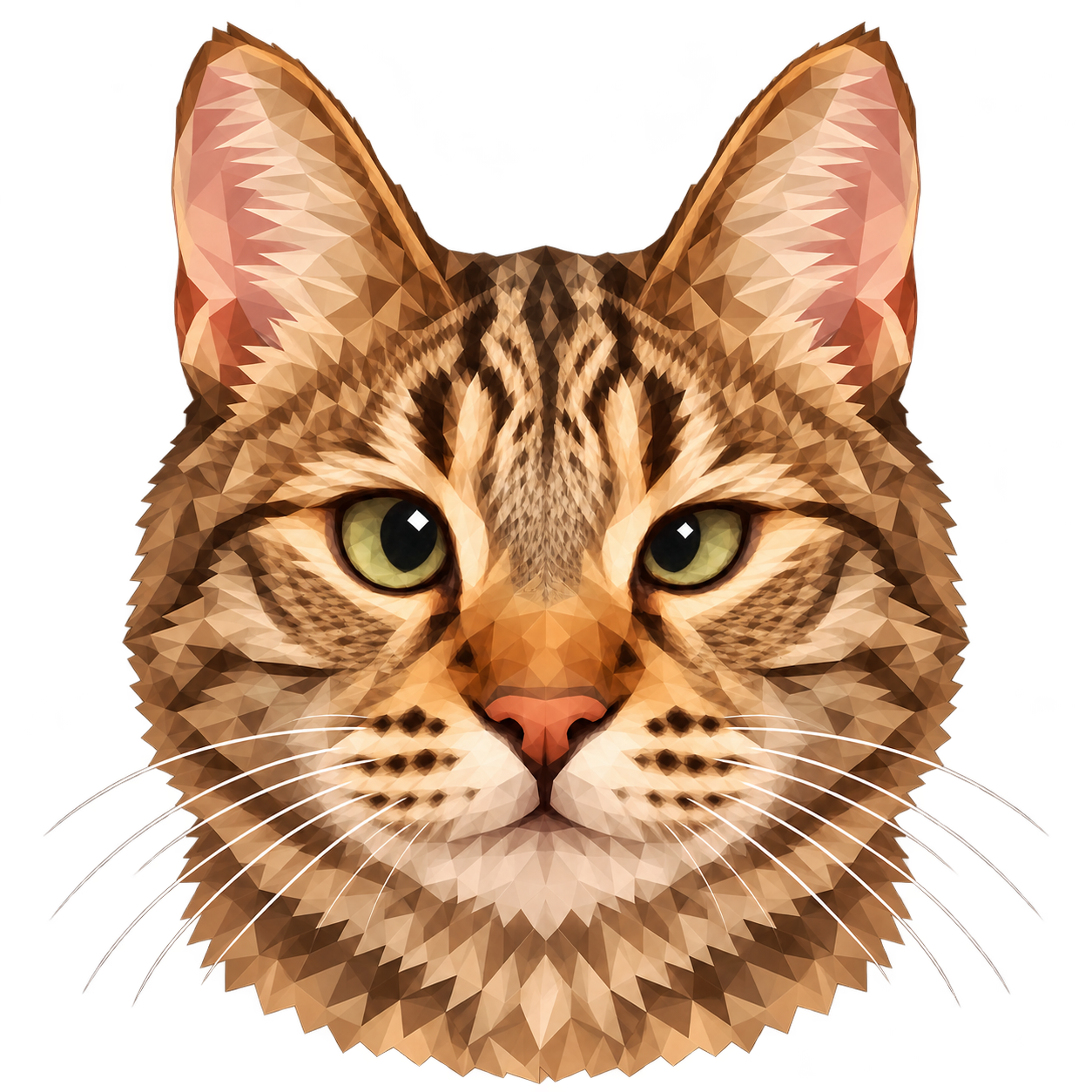
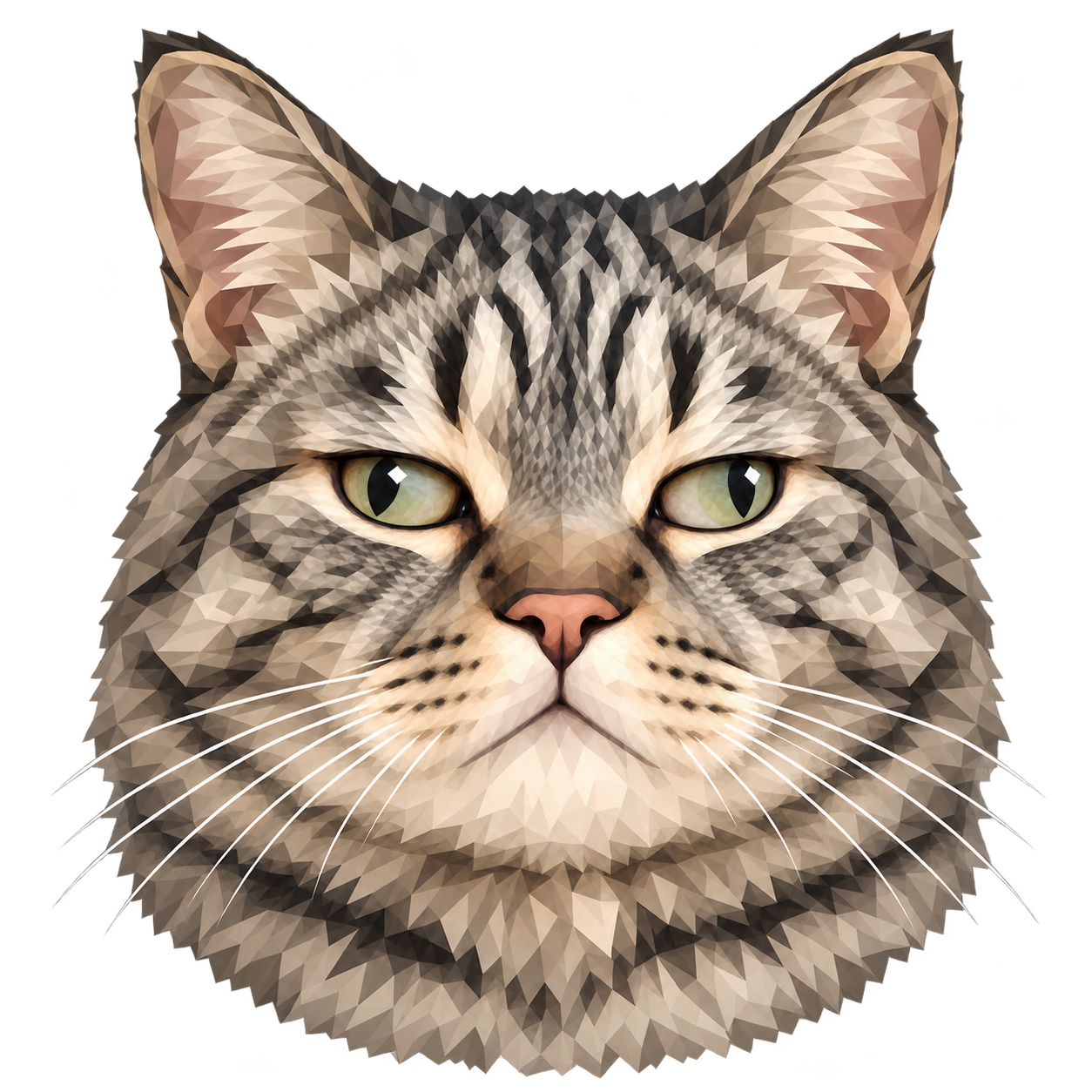
Choose a cat picture in account settings, or upload your own profile image. Your picture appears in your account and beside your nickname on public boards when you opt in.
These pictures express your style. Choosing a different cat does not change your score, rank or access. Copaul is the shared workout companion, separate from your personal profile picture.


04
Points and the activity board
Points are calculated automatically from a routine’s planned time and difficulty after it is completed. Finishing eligible challenges can add their announced bonuses. There is no manual score entry.
The public activity board orders participating members by community points. Your nickname, picture and plant appear only when you enable public-board visibility and progress saving.
05
Join a challenge
Open a challenge to see its routine, start and end dates and reward conditions. Complete the linked routine while the challenge is active.
Only eligible completed sessions count. Some challenges require a run of consecutive activity days; check the conditions shown on each challenge.
06
Challenge medals
Some challenges award a medal for completing the stated streak. A medal is earned only when its conditions are met and medals are enabled for that challenge.
Earned medals appear in your account and on your public profile when it is visible. Each medal represents a specific achievement; it is separate from your profile picture and your plant.
07
Consistency rewards
Alongside challenges, the site recognises regular completed activity and returning after a break. Weekly consistency achievements and comeback rewards are shown in your account when earned.
A completed routine may count toward more than one eligible reward. Repeating a routine does not automatically award the same achievement again in the same reward period.
08
Your activity dashboard
Your account shows completed routines, recorded activity time, estimated calories, rewards and membership rank. Today, this week, this month and this year are cumulative totals: today is included in the larger periods.
Dates and activity days follow your selected time zone. Membership rank reflects time with the site and is separate from points and challenge medals.
09
Plan your next session
Schedule a routine in your training calendar and choose its time. Set your city and time zone in account settings so dates match your local clock.
When Google Calendar connection is available and you connect it, new scheduled training sessions can be added to that calendar. Calendar connections and reminder preferences are managed in account settings.
10
Personal routines and Pro access
Members with Pro access can assemble private routines from the exercise library and arrange their movements. Your personal routines stay separate from the shared routine library.
The Pro access page shows your eligibility and lets eligible members send a request for administrator review. Eligibility alone does not automatically grant Pro access.
11
Your account and privacy
Account settings let you change your language, theme, time zone, profile picture and password. You control progress-saving consent, public visibility and reminder preferences.
You can export your account data or delete your account from settings. Enabling public visibility is optional; use a nickname you are comfortable sharing.
12
Move safely
This is guidance, not diagnosis or treatment. Choose routines that fit your circumstances and stop when a movement feels unsuitable. Calorie and activity figures are estimates, not a medical measurement.
Copaul and the plant are part of the site’s story. They do not provide feeding or treatment advice for real cats.